Plan Movie Night with an Android WiFi LED Projector
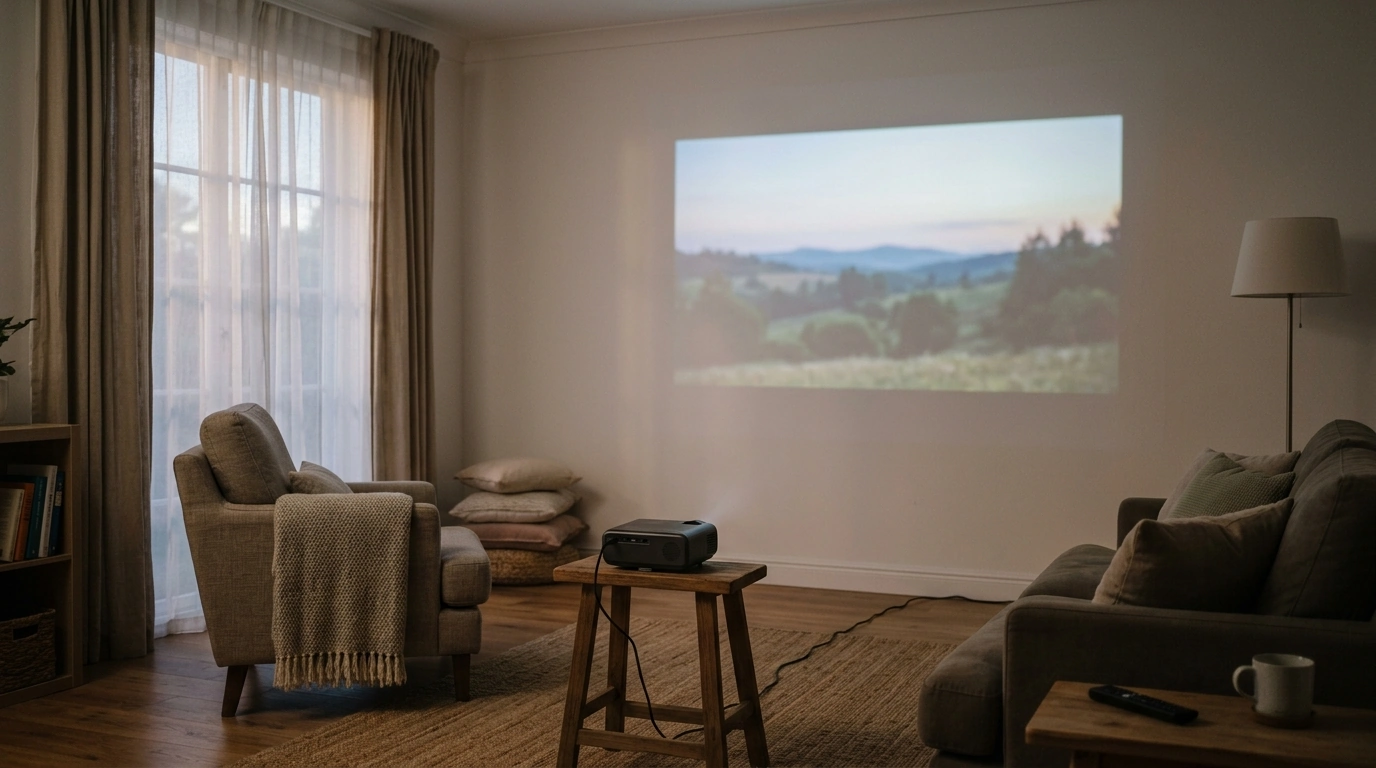
A movie night can start with a clear wall, comfortable seating, and a place to set the projector. Before you decide how large the picture should be, take a few minutes to consider how your room works. We’ll help you plan around the 4K 15000 Lumens LED Projector with Android 5G WiFi and identify the details worth confirming before you bring it home.
Start with the room, not the screen size
First, choose where you would like to watch: a clear wall or a screen, with seating that gives everyone a comfortable view. Measure the usable viewing area and note where a stable table or shelf could hold the projector. The largest image you can imagine is not necessarily the best one for the space.
Light matters, too. Lamps, windows, and even a bright hallway can make a projected image appear less distinct. Closing curtains and dimming nearby lights are practical ways to improve your viewing conditions when possible. If you expect to watch with the lights on, pay particular attention to the product’s confirmed brightness measurement rather than assuming a result from its title.
Finally, consider the path between the projector and the viewing surface. Leave room for people to move without crossing in front of the picture or stepping around cords. We recommend confirming this model’s placement and throw requirements before committing to a screen size; those requirements determine what is practical in your room.
What the listed features can help you plan
Our featured projector’s title brings together several useful terms: 4K, 15000 lumens, LED, Android, and 5G WiFi. Treat them as starting points for your questions, not as substitutes for detailed specifications. For example, “4K” does not by itself establish the projector’s native resolution, and “15000 lumens” does not tell you which brightness measurement was used. The title also does not identify an Android version.
In projector listings, “5G WiFi” commonly means a 5 GHz Wi-Fi connection, not a cellular 5G plan. The Wi-Fi Alliance’s Wi-Fi information offers background on wireless networking. For your setup, the key question is whether this projector’s confirmed network options work with the Wi-Fi available where you plan to place it.
A practical checklist for your setup
| Consideration | Why it matters | What to check |
|---|---|---|
| Room light | Light can reduce the apparent contrast of a projected image. | Whether you can close curtains or adjust nearby lighting. |
| Placement | The projector needs a suitable position relative to the viewing surface. | Your shelf or table space and the model’s placement requirements. |
| Wireless network | Streaming depends on a usable connection. | Whether a compatible Wi-Fi band reaches the projector location. |
| Content and sound | Apps, devices, and audio needs differ by household. | Confirmed apps, inputs, and audio options before purchase. |
Build a viewing setup that feels comfortable
We like to plan a room in a simple order: choose the viewing surface, arrange the seats, identify a stable projector location, then plan access to power and your network. This sequence lets you make decisions around the way you actually want to watch instead of rearranging the room around an assumed image size.
Sit in your intended viewing spots and look toward the wall or screen. Can everyone see it without turning sharply or looking over someone else? Once you have a possible projector position, think through where power cords and any device cables would run. Keep them out of walkways and away from spots where they could be pulled. These are general room-planning steps, not a promise that particular mounts, cables, or accessories come in the box.
Sound deserves the same attention as the picture. Consider whether you prefer audio near the screen or closer to the seating, especially if your room is large or open. Before planning external speakers, confirm the projector’s audio capabilities and connections. If pets share your movie-night space, you can also explore our Everyday Pet Safety Kit for a Fully Pet-Proof Home as a separate home-planning resource; keep cords and equipment positioned so curious pets cannot disturb them.
Choose content and connections with confidence
How will you use the projector most often? A household that streams films and shows may prioritize Wi-Fi coverage and app support. If you use an external streaming device, game console, or computer, the available inputs matter more. An Android-labeled projector may offer on-device features, but the title alone does not confirm which apps are available or whether a particular streaming service will work.
For wireless viewing, consider where your router sits relative to the projector. A reliable signal at the planned location is more useful than a strong signal elsewhere in the house. An external device may provide another way to watch if the projector has an input that supports it. For casual gaming or presentations, think through the devices you already own and the connections they require rather than assuming a specific performance level from the product name.
Your final checks before movie night
Before ordering, review the current product details for native and supported resolution, how brightness is measured, throw and placement requirements, supported apps, ports, audio options, and everything included in the box. Compare those details with your room measurements and the devices you want to use.
FAQ
Does 5G WiFi mean the projector needs a cellular plan?
Not usually. Projector listings commonly use “5G WiFi” for 5 GHz Wi-Fi through a compatible router, but confirm this model’s network specifications before purchase.
Will the projector work in a bright room?
Room light can reduce apparent image contrast, so curtains or adjustable lighting can help. Look for a standardized brightness specification before deciding whether it suits a bright room.
Can I stream directly from the projector?
The title lists Android and Wi-Fi, but it does not establish which apps or streaming services are supported. Confirm current app availability and network details on the product page.













Leave a comment