Smart Android Projector Setup for Movie Night
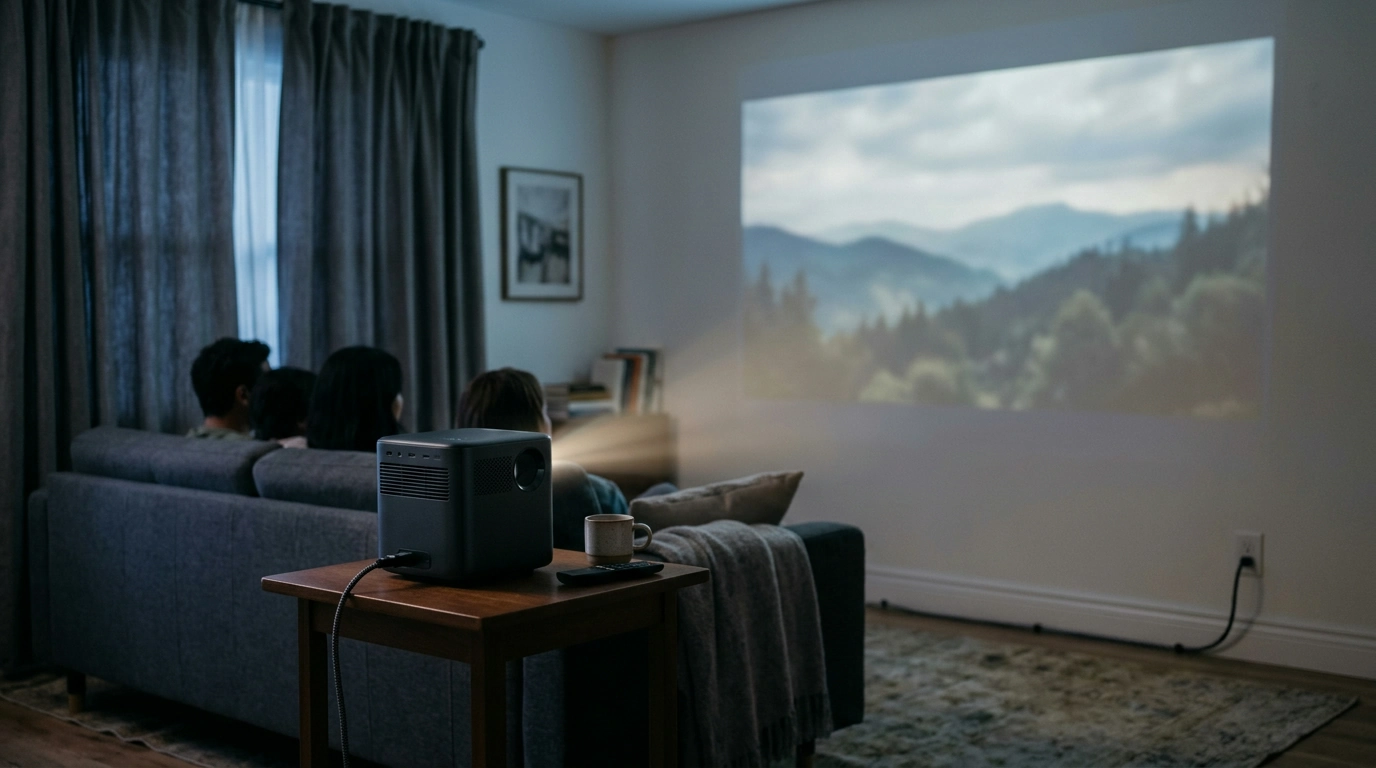
Movie night is easier to enjoy when the setup works with your room rather than against it. Our Smart Android 4K Projector with Auto Focus and Full HD 1080P Display brings smart-viewing features and auto focus together, but the right choice still depends on where you’ll use it and what you want to watch. Before you settle on a screen size, give the space—and your usual viewing habits—a little attention.
Start with the room, not the screen size
You might picture films in the living room, a regular family viewing area, or an occasional backyard movie night. Each can work differently. A living room may offer convenient outlets but have windows to cover; an outdoor spot may give you a broad viewing surface but require more planning for power and sound.
First, choose a smooth, unobstructed wall or a screen. Then identify a stable position for the projector and a nearby power source. Make sure people can move around without bumping the setup or crossing a power cord. Once those basics are in place, you can judge what image size feels comfortable from your seats. A darker room generally makes a projected image easier to see, so plan to dim lamps or close curtains when you can. For a backyard screening, consider the light that may still be present at your planned start time.
| Setup choice | What to check | Why it matters |
|---|---|---|
| Wall or screen | Choose a smooth, unobstructed viewing area | Surface texture and color can affect the image |
| Projector placement | Allow room to position the projector securely | Placement affects image size and alignment |
| Lighting | Plan to dim lights or close curtains | Less ambient light can improve perceived contrast |
| Power and audio | Locate outlets and consider how you want to listen | A little planning keeps setup comfortable |
If you’re deciding how far the projector might sit from a viewing surface, ProjectorCentral offers general projector setup resources. Use the product’s own specifications to confirm what is possible with this particular model.
What auto focus can take off your setup list
Auto focus is a welcome convenience when you’d rather start watching than spend time sharpening the picture by hand. A sensible first-use routine is simple: place the projector securely, turn it on, assess the focus, and adjust its physical position if the image does not land where you want it.
Focus and alignment are different jobs. Auto focus helps with sharpness; it does not mean the projector can sit anywhere in the room and produce a well-positioned image. If your space calls for particular alignment controls, confirm which ones this model provides before ordering. You’ll still get the most out of an easy setup by starting with a suitable surface and a practical projector location.
Understand the 4K and Full HD wording
The product name includes both “4K” and “Full HD 1080P Display.” Those terms should not be treated as interchangeable specifications. A projector’s native display resolution describes the detail it produces on screen, while 4K input support describes a signal it may accept from a source device. If a particular resolution is important to you, confirm the exact distinction in the current product specifications.
For everyday viewing, it also helps to think beyond the resolution label. Consider where you’ll sit, how much light enters the room, and whether the surface is suitable for projection. We would rather help you make a comfortable viewing space than promise a particular image size, brightness level, or daylight result that the available details do not establish.
Make smart viewing work for your habits
Android gives you a useful starting point if you want smart features in a projector. Before choosing it for a favorite service, though, verify that the app you use is available and compatible with the device. Streaming services can have their own device requirements, and those requirements may change.
Write down the sources you actually use: streaming apps, a media player, a game console, or another device. If you plan to connect external equipment, confirm the projector has the connections you need and that your devices can use them. The HDMI organization provides general information about HDMI connections and features, though the projector’s specifications are the place to confirm its ports.
Audio deserves a place in that plan, too. Decide whether you expect to listen through the projector, connect another audio device, or use a source with its own audio arrangement. Checking that before movie night can save you from rearranging the room after everyone has found a seat.
A thoughtful choice for your next viewing space
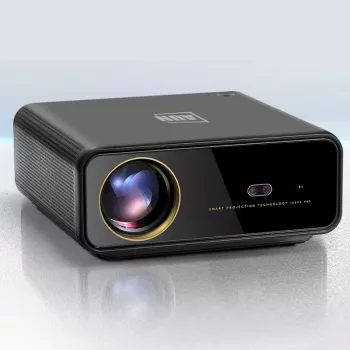
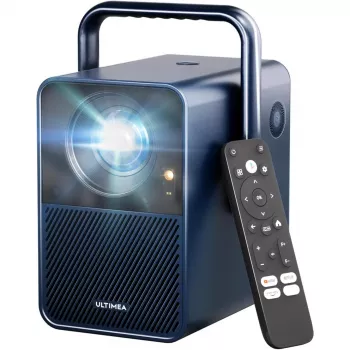
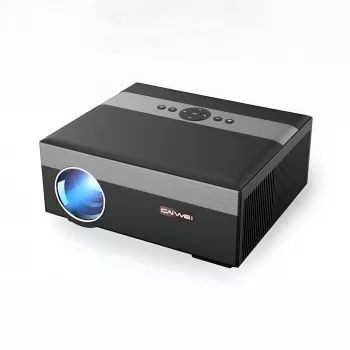
Our Smart Android 4K Projector with Auto Focus and Full HD 1080P Display brings together smart-projector convenience, auto focus, and a Full HD 1080P display in one product. To decide whether it fits your plans, start with your room conditions, then confirm your preferred apps, devices, exact resolution specifications, and required connections. You can view the linked product page for current details and availability.
If family movie night is part of a broader evening routine, we also have a separate Sleepytime Success Toolkit for Families. It is a routine resource, not a projector accessory; your viewing setup should stand on its own practical requirements.
FAQ
Does auto focus mean I can place the projector anywhere?
No. Auto focus helps sharpen the image, but you still need a suitable projection surface and sensible projector placement.
Is a projector described as 4K and Full HD 1080P necessarily native 4K?
Not necessarily. Native display resolution and supported input resolution are different specifications; confirm the precise distinction in the product details.
Will my favorite streaming apps work on this projector?
App availability and service compatibility can vary. Confirm the product details and your streaming service’s device requirements before buying.










Leave a comment